Survey Best Practices

Quick Tip!
Surveys should only take a participant five minutes or less to complete, so keep them brief!
Helpful Staff for this Topic


For some projects, the Digital Corps conducts surveys to better understand the audience’s needs and wants and to gauge interest (i.e. How many people will come to this event?). Surveys help the Corps understand the direction and scope of a project.
Questions to Ask Before Beginning a Survey
Before creating a survey, ask yourself, “What do we expect to gather from the survey?” or “What is the goal of the survey?” This will help you determine the focus of the survey and ensure that you ask the most critical questions.
Second, ask “Is the audience targeted to a persona/user type?” If the answer is yes, then target and send the survey to that specific group. For example, if the persona is a student teacher, do not send the survey to engineers.
Internal vs. External Projects
Surveys for internal and external projects are created and distributed a little differently, so be sure to know the differences.
Internal surveys are often created on Google Forms and sometimes Microsoft Forms. Then, they are distributed on Slack through #all-corps or #official-business depending on the survey. Internal surveys for projects often ask for the participant’s names to track who has completed the survey. However, some internal surveys, such as Pulse Surveys, are anonymous to better gauge participants’ honest opinions.
External surveys must be created on Qualtrics, which anyone can access with their Ball State login. After external surveys go through review, Brandon sends them to the Comm Center. These surveys must be anonymous, so do not ask for the participants’ names. Instead, ask demographic questions to better understand who is taking the survey.
Question types
Quick Tip!
Pay attention to the order of the questions. They should be grouped with similar questions and flow in a logical pattern.
Likert Scale
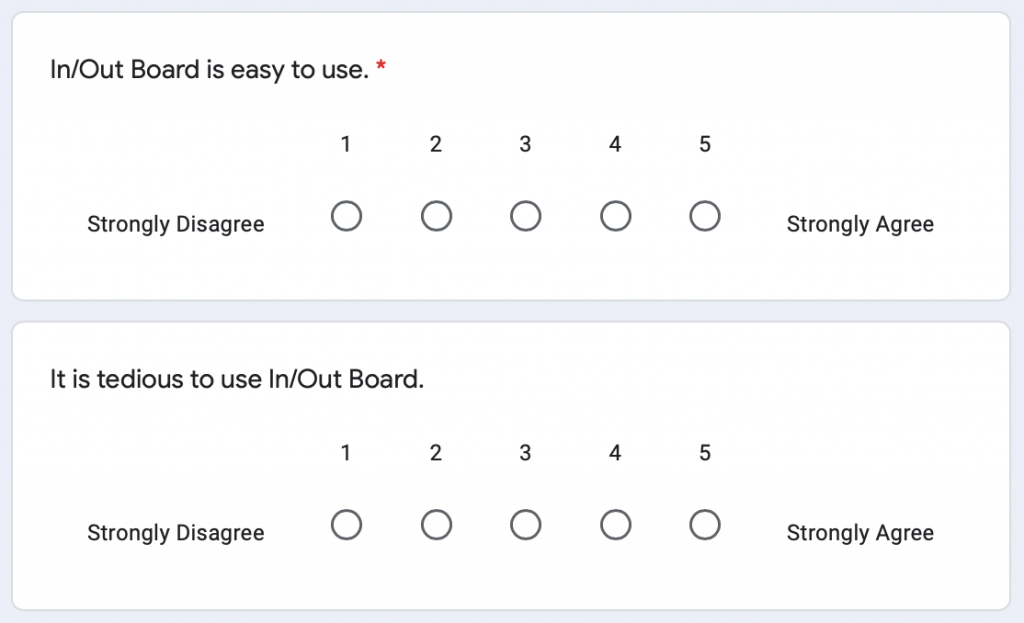
Likert scale questions are statements with responses ranging from strongly disagree to strongly agree. Make sure to label Likert scales consistently (i.e. begin with disagree and end with agree on every question).
During the Fall 2020 semester, the Corps started using a website called In/Out Board to show whether or not they were on the clock. The UX team created an internal Status Board survey about the In/Out Board, and included several Likert scales to gauge participants’ opinions.
Open-Ended Questions
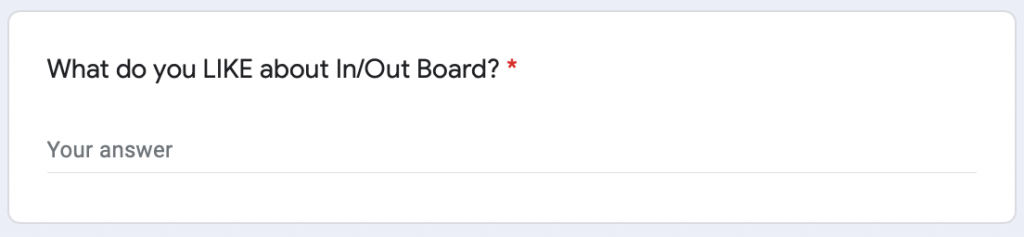
Open-ended questions require a response beyond yes or no, so these are helpful when you need participants to explain their thoughts or reasoning. Ask open-ended questions that require short responses as opposed to long responses, so you can collect more quantitative data.
Closed-Ended Questions
Closed-end questions are questions that only require a yes/no response. Avoid these questions unless you only need a yes/no response.
Multiple Choice Questions
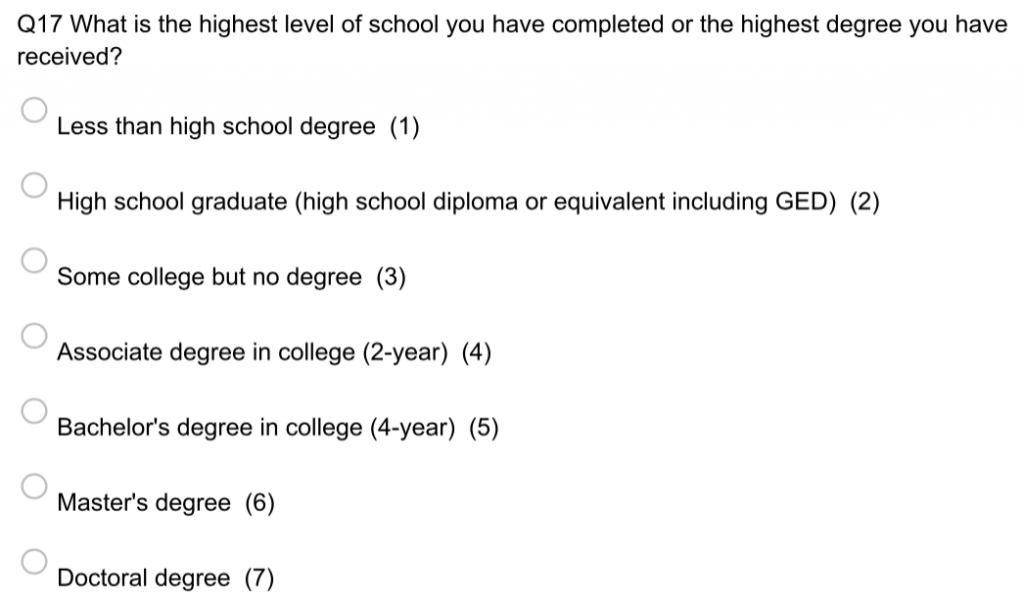
Multiple choice questions should offer comprehensive responses to the question. These questions use a radio selection button, so participants can only choose one response. Multiple choice questions can be used for asking demographic questions.
In 2019, the UX Team created an external survey about the Map App. They included a multiple choice demographic question about education level.
Check-All-That-Apply Questions
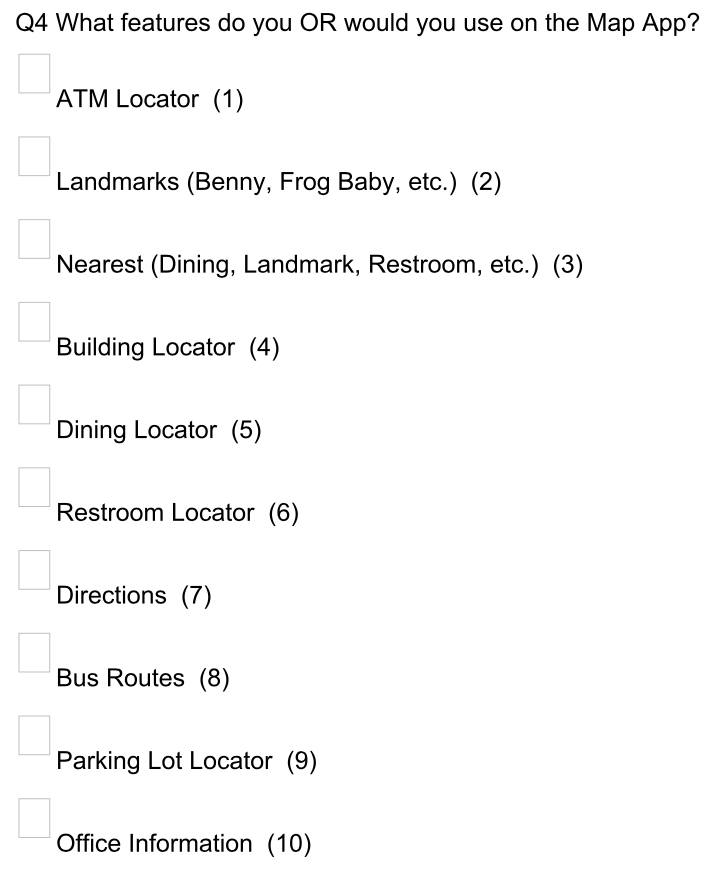
These questions let participants choose multiple responses to one question or statement. For instance, the Map App survey asked participants which features of the Map App they use and provide a list of every feature on the Map App. Participants could choose as many features as they needed.
Ranking Questions
Ranking questions allow participants to compare options, so these questions help gauge preference. For instance, a survey could ask participants to rank which Map App features they prefer to use.
Branching Questions
Branching questions allow you to ask follow-up questions based on an initial response.
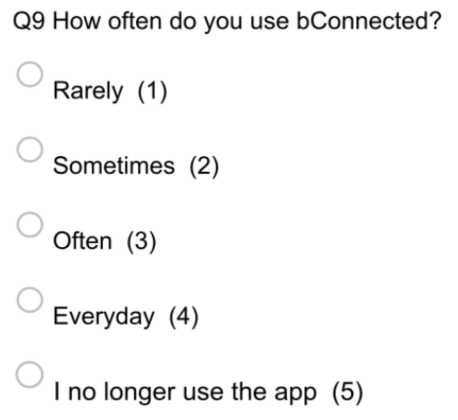
For example, the Map App survey asked participants how often they used the survey. If participants chose “I no longer use the app,” then they were prompted to answer a follow up question asking why they no longer use the survey.

Question Mistakes to Avoid
- Avoid asking wordy questions. Instead, keep the question short and concise.
- Avoid double-barrel questions, or those that contain two or more separate issues or topics.
- Avoid “absolute” questions or statements with words like “always,” “only,” “never,” etc.
- Avoid leading questions, which are questions that lead participants to answer a certain way.
What to Do After Collecting Data
After you collect the survey data, it’s time to analyze the data and decide on next steps! Sometimes, the Corps uses survey reports to display results and offer recommendations on possible next steps. Check out the Survey Reports template to structure a report properly.
Conclusion
Surveys help the Corps understand projects and audiences better, but you can only collect good data if you constructed the survey well. Before you start, remember to understand the goal of the survey and keep questions brief and consistent.
