Buffer for Instagram

Quick Tip!
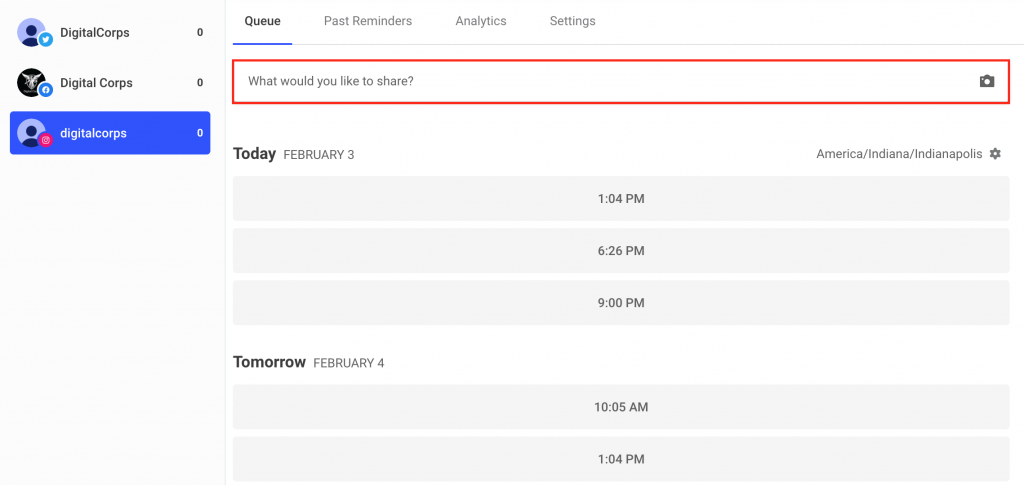
When scheduling a post on Buffer, make sure to correctly select the Instagram account in the channels section located on the left side of the page.
Helpful Staff for this Topic

Buffer is a software program similar to Hootsuite, in which a social media manager can schedule content and look at current and past posts. Hootsuite only allows three accounts to be managed on their free account membership, which includes Facebook, LinkedIn, and Twitter. This means that the Instagram manager must use Buffer to schedule Digital Corps posts.
How the Digital Corps Uses Buffer
The Digital Corps’ social media manager for Instagram uses Buffer to schedule content, make drafts, and review their past posts. Buffer has a few useful tools: Publishing and Analytics and Engagement.
Publishing
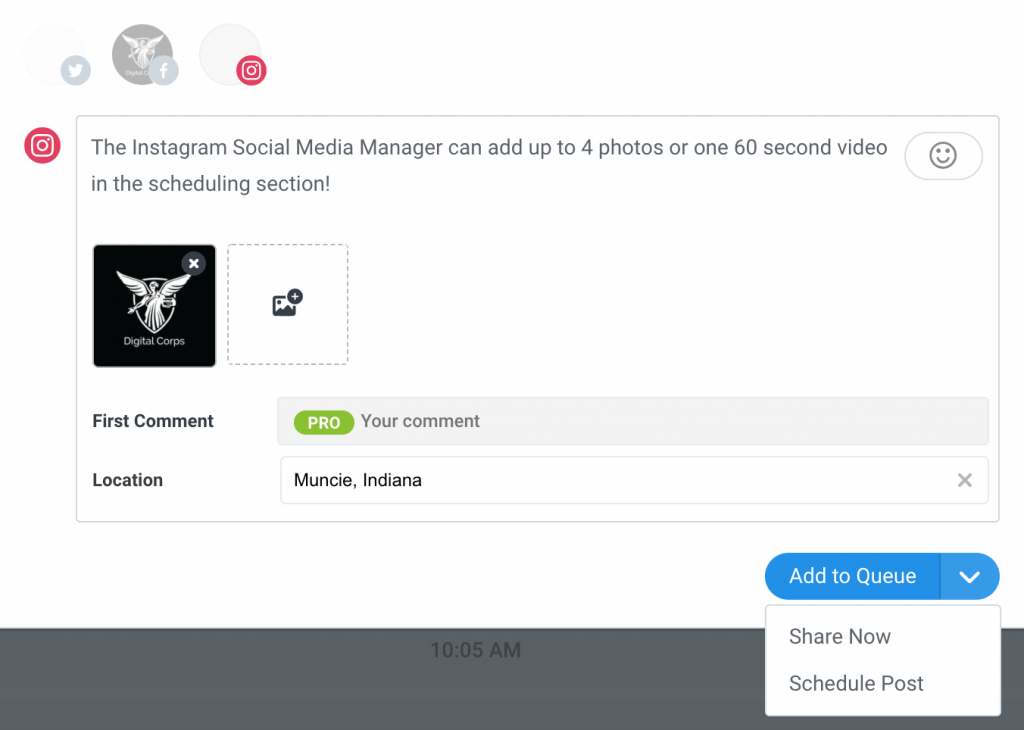
Publishing a post in Buffer is simple. To publish photo or video content, click on the “What would you like to share?” button. Next, Buffer will open a mock post template where you can add up to four photos or one 60-second video that can be posted to Instagram.
Queue
Buffer allows the Instagram manager to organize and schedule posts in the Queue. The queue can also be used to find the best engagement times. With the default timezone, the Instagram manager can go into the settings for Buffer and select the most optimal times to post on the Digital Corps Instagram. Using this feature saves time in scheduling posts through Buffer.
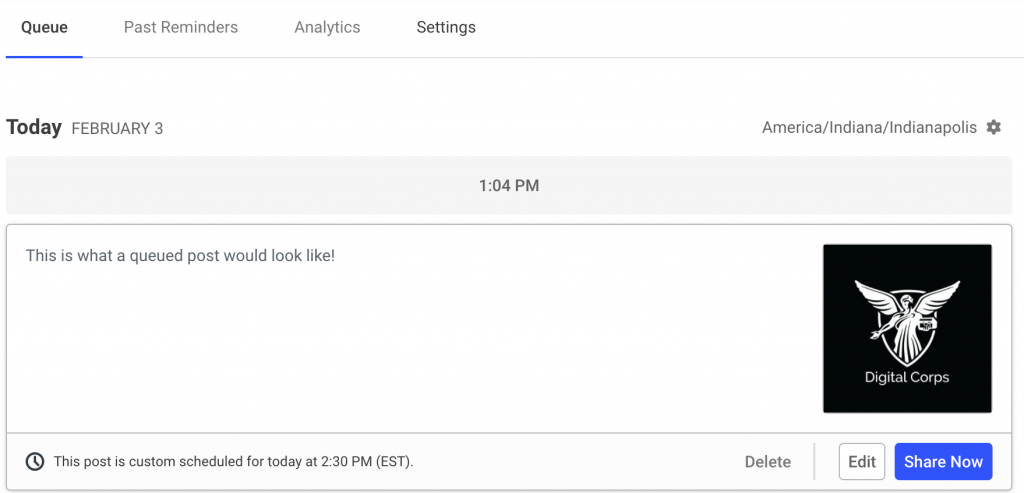
Buffer can post photo and video content, but there are a few limitations. You can only include four photos per queued post and one 60-second video per queued post. Instagram posts can have up to 10 photos and videos in one single post. Instagram has also introduced Stories and IGTV which allows video content to be longer than the 60-second Buffer limit. If the Instagram manager needs to schedule posts that are not within Buffer’s limitations, they should schedule directly through Instagram.
Manually Posting
In the past, larger forms of media have not been suitable for Buffer. In the event that this happens, post or schedule the media directly through Instagram. This loophole allows the Instagram manager to schedule content not allowed in Buffer.
Past Reminders
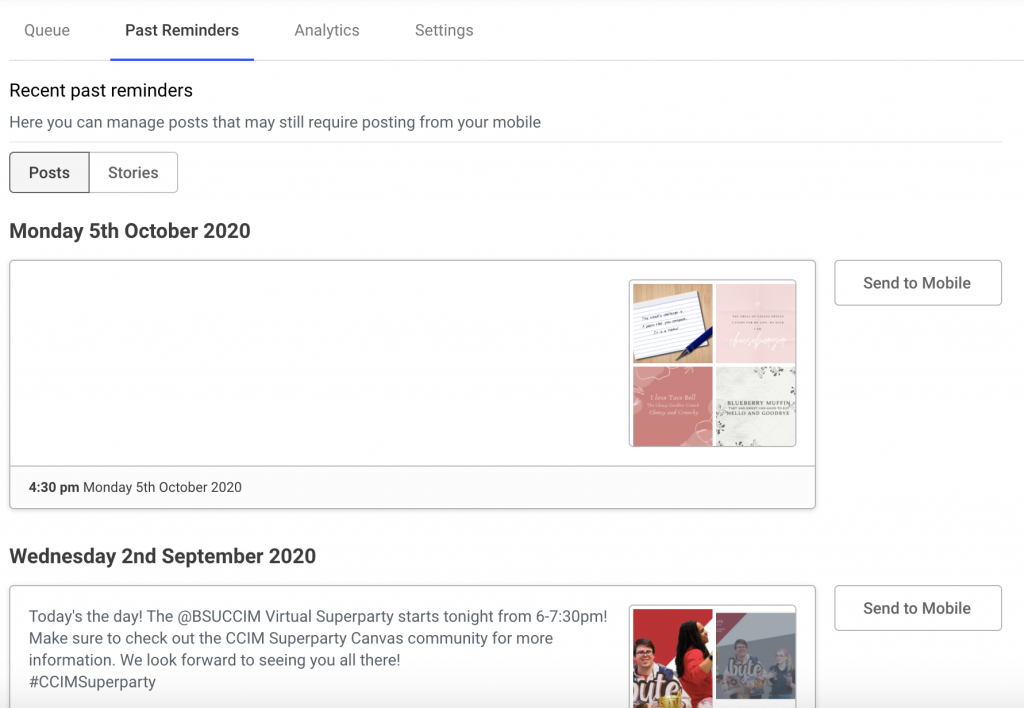
This section helps the Instagram manager organize posts that missed their scheduled time. Sometimes, photos will not upload due to the aspect ratio. Past Reminders allows the manager to set up an alert in the Buffer mobile app as a reminder to make a manual post after the post was unable to upload at its originally scheduled time. Additionally, Past Reminders allows the manager to reschedule past posts or instantly share them.
Analytics and Engagement
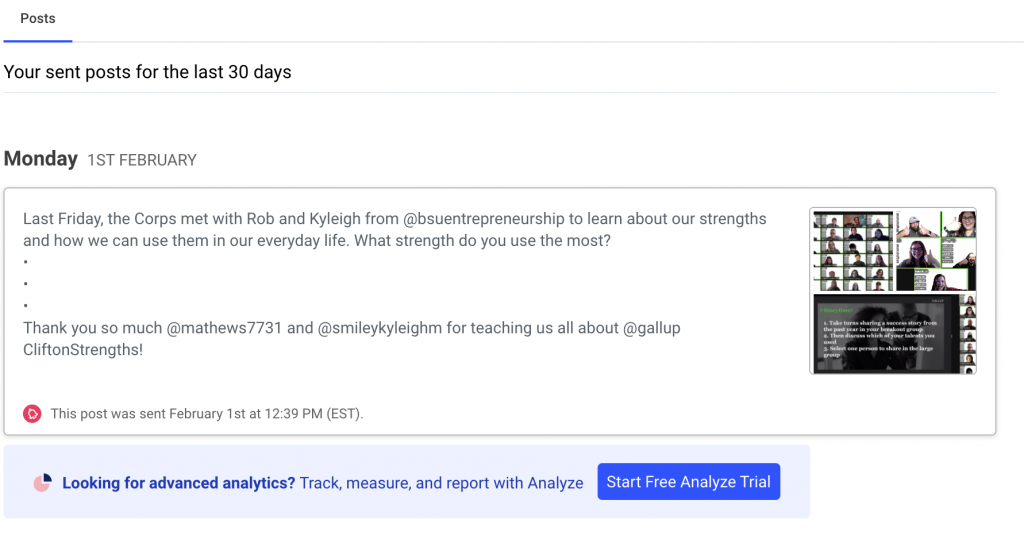
The free version of Buffer does not provide a full analytics overview. However, it does allow the social media manager to see past posts which link directly to the Instagram account. When logged in as the Digital Corps, the social media manager can view and track analytics through Instagram directly.
Overall, Buffer allows the Instagram manager to efficiently plan and schedule content in an organized program.
