Using FirstCom to Find Music

Quick Tip!
Music is an effective way to set the tone and mood of a video.
Helpful Staff for this Topic

FirstCom is a website used to help find music for videos. The Corps pays for the licensing to access many different themes and stingers for the videos we make.
The link for the site can be found here: https://www.firstcom.com/en-us. To access FirstCom, use the login information in the #general-video channel. Be sure to double-check you have the most recent login information so you do not lock the account.

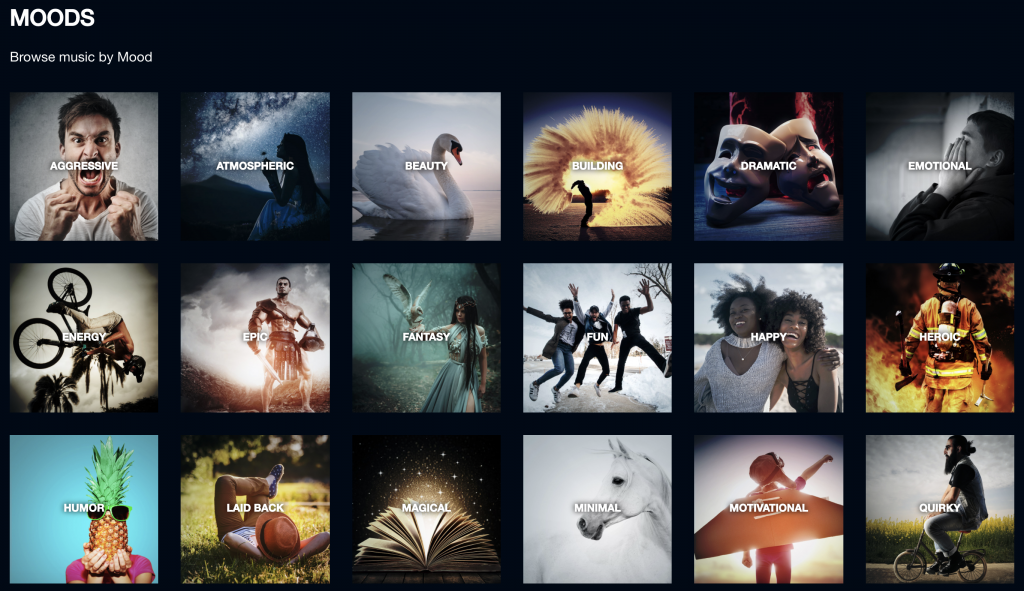
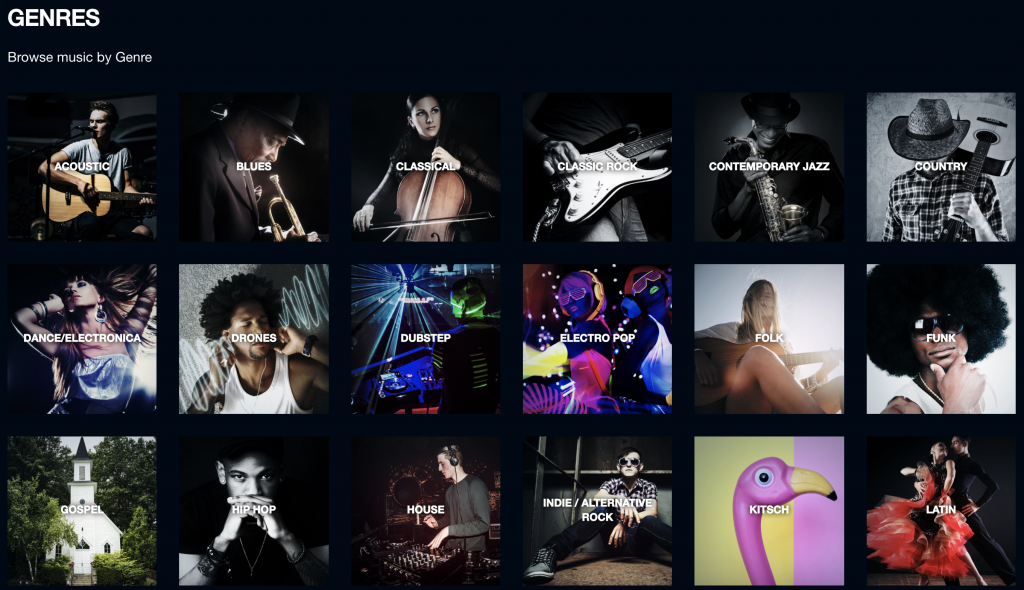
After you log into the site, there are different ways to search for music. You can search for a specific mood, playlist, composer, or genre to help find the right song to convey the desired tone of your video.
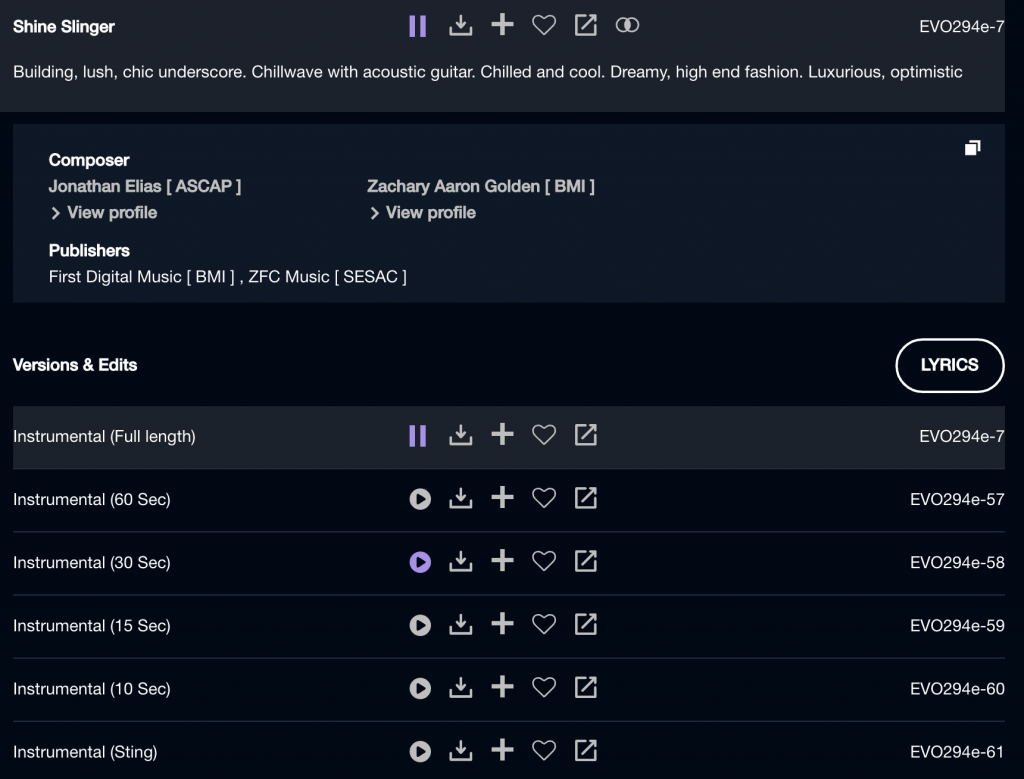
You can download the song you need or you can look for variations of that specific song to better fit your needs. These variations include different song lengths, instrumental versions, stingers, and more.
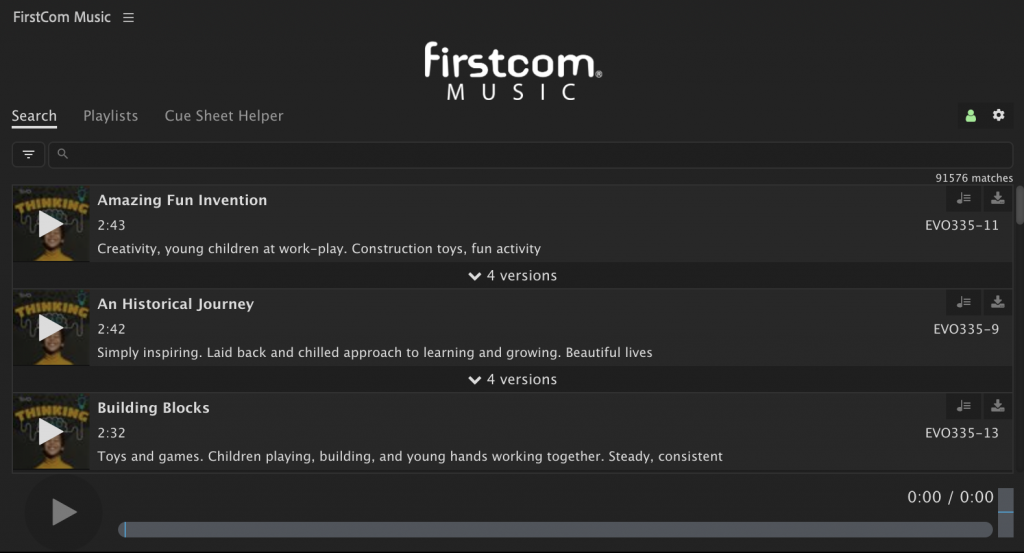
First Com Extension for Premiere
You can download the First Com extension for Premiere Pro to search for music directly in the program.
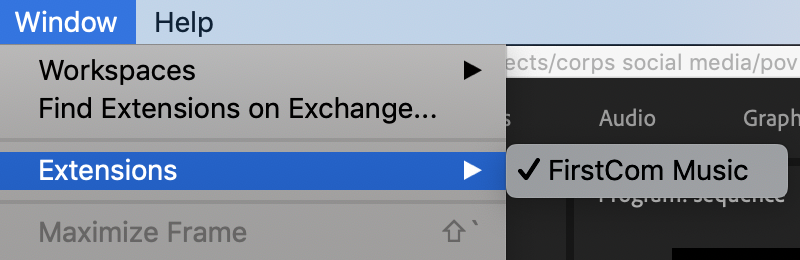
After installing the extension, you can find it under the window tab in Premiere.
Log into First Com using the same login and password found in the #general-video channel.
FirstCom makes it easier to find and download music for videos. Using different categories and song variations will help you find the perfect music for your video.
